
Grid EA PRO
A configurable grid trading EA for MetaTrader 4. Automate pending orders around price, choose your entry logic, and manage the trading cycle from one chart control panel.
MetaTrader 4 · Multi-pair trading · Lifetime licenses

MetaTrader 4 / Windows
Price-based pending orders
Any chart timeframe
1, 3 or 9 accounts
A structured response to price movement.
Grid EA PRO builds a channel around the current price and places pending orders on both sides. You define the order spacing, grid size, entry mode and target for the trading cycle.
Define the grid
Set the starting channel width and number of pending orders on each side. Adjust the distance between orders, with an optional extra spacer that increases each successive gap.
Choose the entry logic
Use counter-trend placement or reverse the order direction for trend-following execution. The first two centre trades can be configured separately.
Work toward a cycle target
The EA monitors the trading cycle against your configured target in account currency. When the target is reached, it closes the cycle’s trades and begins the next cycle.
entryMode=1 places buys below the starting channel and sells above it. entryMode=2 reverses that arrangement for trend-following entries.
The centre-reversal option can make the first upper trade a buy and the first lower trade a sell while the remaining grid uses the opposite direction. customCenterLots and centerLot let you set the size of those first two trades.
These choices change the balance of exposure. They do not ensure that a trend or retracement will produce a profitable exit.
With a 40-pip base gap and a 10-pip extra spacer, successive gaps become 40, 50, 60 pips and so on. Wider spacing changes how frequently orders can trigger and how exposure builds.
The manual illustrates this with input values of 400 and 100. Check the input units and your broker’s symbol precision before applying settings.
For example, a grid size of 15 creates 15 pending orders on each side, or 30 in total. Pending orders can become open exposure as price moves.
Make exposure an explicit decision.
Order count, lot size, spacing and available margin all affect how the system behaves. Configure those inputs alongside the trading cycle’s exit rules.
Trading schedule
UseTradeTime, TradeFrom and TradeTo define a trading window using broker server time.
Fixed lots or optional increments
Set LotAdd to 0 for fixed lots. A positive LotAdd increases size across successive orders.
Total-loss threshold
UseTotalLoss and TotalLossAllowed configure the EA’s loss-triggered close and stop behaviour.
Maximum lot control
MaxLot defines the maximum permitted size. The documented behaviour closes trades if the EA attempts to exceed it.
Individual stop loss, take profit and trailing-stop parameters are documented in the manual. The manual cautions against using trailing stops with hedging strategies; test the interaction between settings before enabling them.
Use MT4’s Strategy Tester with Visual Mode to inspect order placement and cycle management. Then assess the configuration on a demo account, including margin usage, floating drawdown and behaviour during sustained trends.
The EA supports multiple symbols and uses price levels rather than a specific chart timeframe. The EA supports forex, metals, stocks, commodities and crypto symbols available through MT4. Availability and trading conditions depend on your broker.
Use distinct MagicNumber values to separate EA instances. Multiple pairs can spread activity across symbols, but correlated markets can also accumulate exposure at the same time.
Published setup examples include $100 with 0.01 lot for one pair, and $10,000 with 0.1 lot for multi-pair use. Treat these as published configuration examples, not universal capital requirements or assurances of safety. Assess margin, symbol specifications and settings for your account.
Automation with hands-on control.
Monitor the EA and manage trades directly from its chart panel. Start or hold the system, open buy or sell trades, remove pending orders, or close the EA’s positions on the current chart.
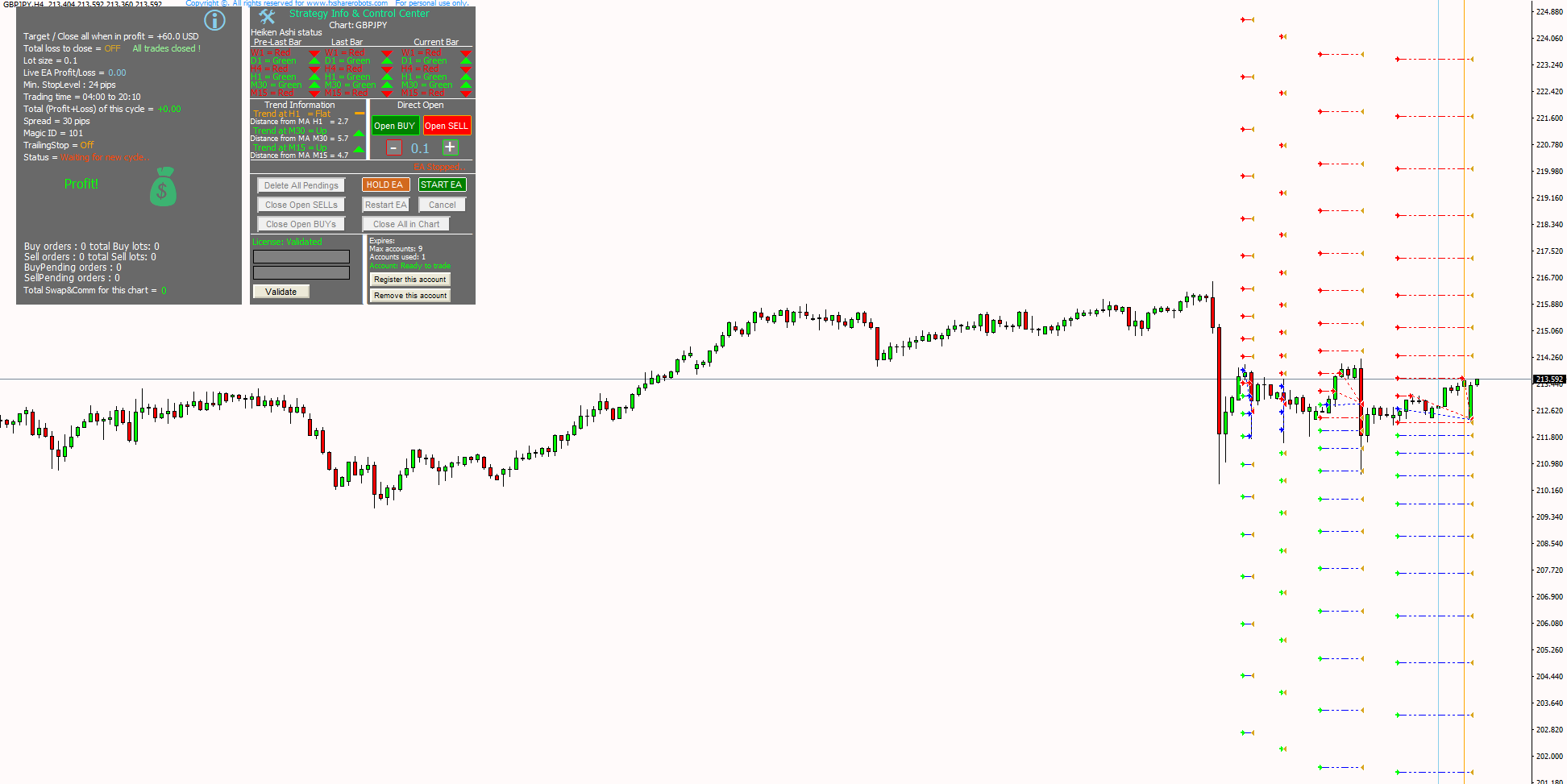
Chart-level management
Dedicated controls for buy trades, sell trades, pending orders and the current chart’s positions.
Interface options
Light and dark themes, trading information and timeframe trend calculations.
Account registration
Validate your purchase and register or remove accounts within your license allowance.
MemoryON records cycle settings and trading information in files in the MT4 data folder. These files help the EA retain cycle parameters after a lost connection or unexpected shutdown.
The manual instructs you to disable memory in the Strategy Tester and change the MagicNumber when changing parameters or loading a new pair, so an older memory file does not overwrite the new configuration. Follow the manual when restarting or moving an instance.
One EA. Three account allowances.
One-time payment, lifetime licensing and free future updates. Choose the account capacity and included preset files that fit your setup.
Basic
1 account · Lifetime license
Full Grid EA software
Free future updates
No .set files included
$99Add to cart
Advanced
3 accounts · Lifetime license
Full Grid EA software
Free future updates
Included .set files for 3 pairs
$149Add to cart
Professional
9 accounts · Lifetime license
Full Grid EA software
Free future updates
Included .set files for 8 pairs
$269 Original price was: $269.$100Current price is: $100.Add to cart
Grid EA preset pack
Ready-made .set configurations for 22 symbols, compatible with every Grid EA license. Load a preset into the EA’s inputs, then review it for your broker and account.
Forex · 10 presets
USD/CHF, EUR/GBP, AUD/USD, EUR/JPY, EUR/USD, GBP/JPY, GBP/USD, NZD/USD, USD/JPY and USD/CAD.
Metals · 2 presets
Gold and Silver.
Crypto · 4 presets
Ethereum, Bitcoin, Litecoin and XRP.
Indices · 6 presets
S&P 500, Nasdaq 100, GER40, US30, UK100 and JPN225.
22 symbol presets
10 Forex · 2 Metals
4 Crypto · 6 Indices
Works with Basic, Advanced and Professional. EA license purchased separately.
$49Add to cart
Understand it before you run it.
The manual covers trading inputs, protection settings, memory files, licensing and chart controls.
Download the setup package after payment and install it for your MetaTrader 4 platform. Load the EA on a chart, enter the Order ID and checkout email, and select Validate. Then use Register this account within your license allowance.
Review the settings before selecting Start EA. If you need to move to another account and have used your allowance, remove the current account before registering the replacement.
You can use the supplied defaults as a starting configuration or load the .set files included with your chosen tier. Each parameter is explained in the manual. Test the chosen symbol and broker conditions before live use.
Installation & usage walkthrough
Grid strategy explained
Go deeper into grid engineering.
Explore the detailed Grid Trading Academy for an in-depth explanation of the principles behind Grid EA PRO.
Study the mathematics, spacing geometry, reverse centre, lot sizing and money management behind a structured grid approach.
Geometry & spacing
How grid structure changes exposure as price moves.
Centre logic & hedging
Understand the role of the first positions in the grid.
Cycles & money management
Explore common targets, lot mechanics and capital allocation. Use the product manual to map the theory to Grid EA PRO’s settings.
Developed through version 5.5.
Version 5.5 · 8 June 2025
Core code fixes and Windows 11 compatibility updates.
Core code fixes and Windows 11 compatibility updates.
Updated optional .set file pack for all Grid EA versions.
Light and dark interface themes, graphics fixes, and an updated closing sequence: open trades close before pending orders are deleted when the target is reached.
Added customCenterLots to configure the size of the first buy and sell trades separately from the initial lot setting.
Interface and core fixes; updated preset files for 3-account and 9-account licenses.
Simplified interface and settings, with core bug fixes.
New chart control panel, timeframe trend calculations, account registration controls and setup installer. This release also introduced rental options; the offers shown on this page are lifetime licenses.
Added the option to reverse the first two trades in the centre channel.
Added LotAdd for optional incremental order sizing. Set LotAdd to 0 to use fixed lots.
Added entryMode for counter-trend or trend-following order placement, plus CalculateSwap for swap accounting.
Existing owners receive updates free of charge. Sign in to your account, open Downloads and download the updated package. The published update instructions call for uninstalling the older version before installing the new one.
Sign in to download updates ↗Explore the trading record.
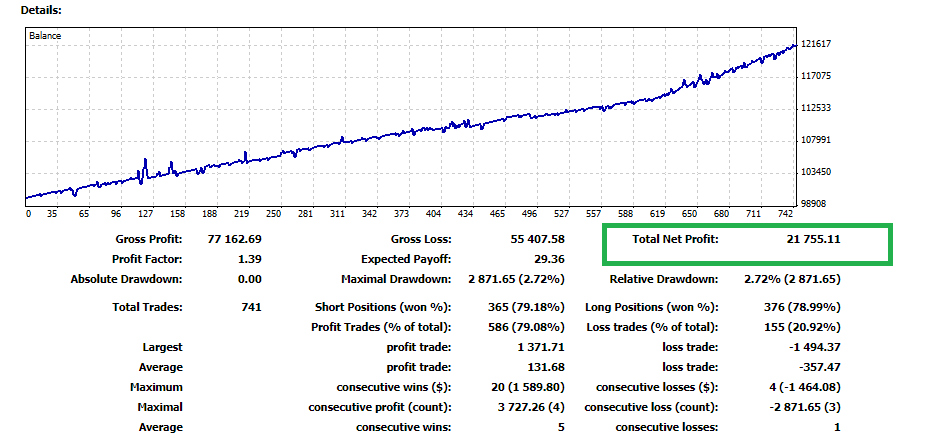
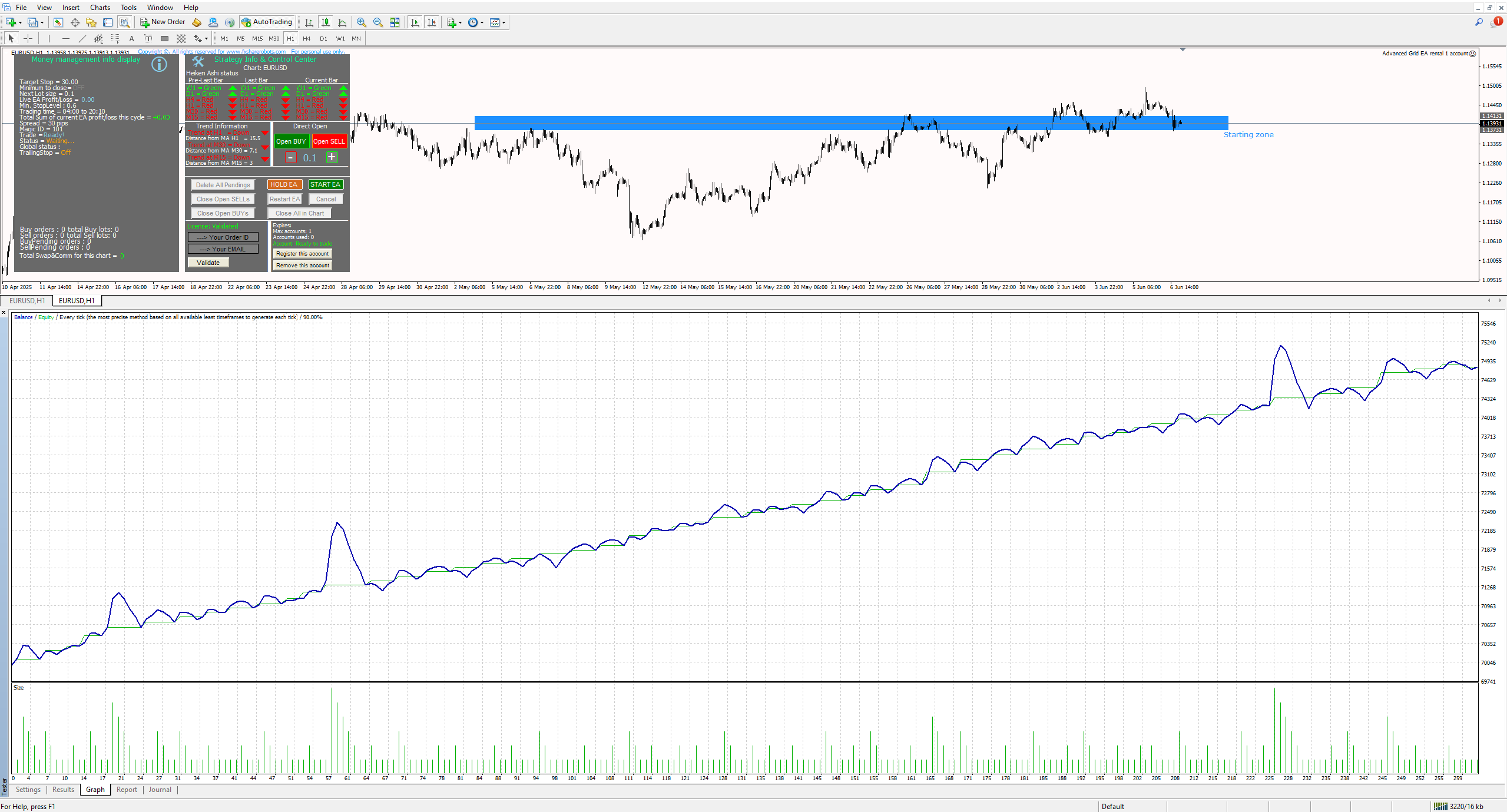
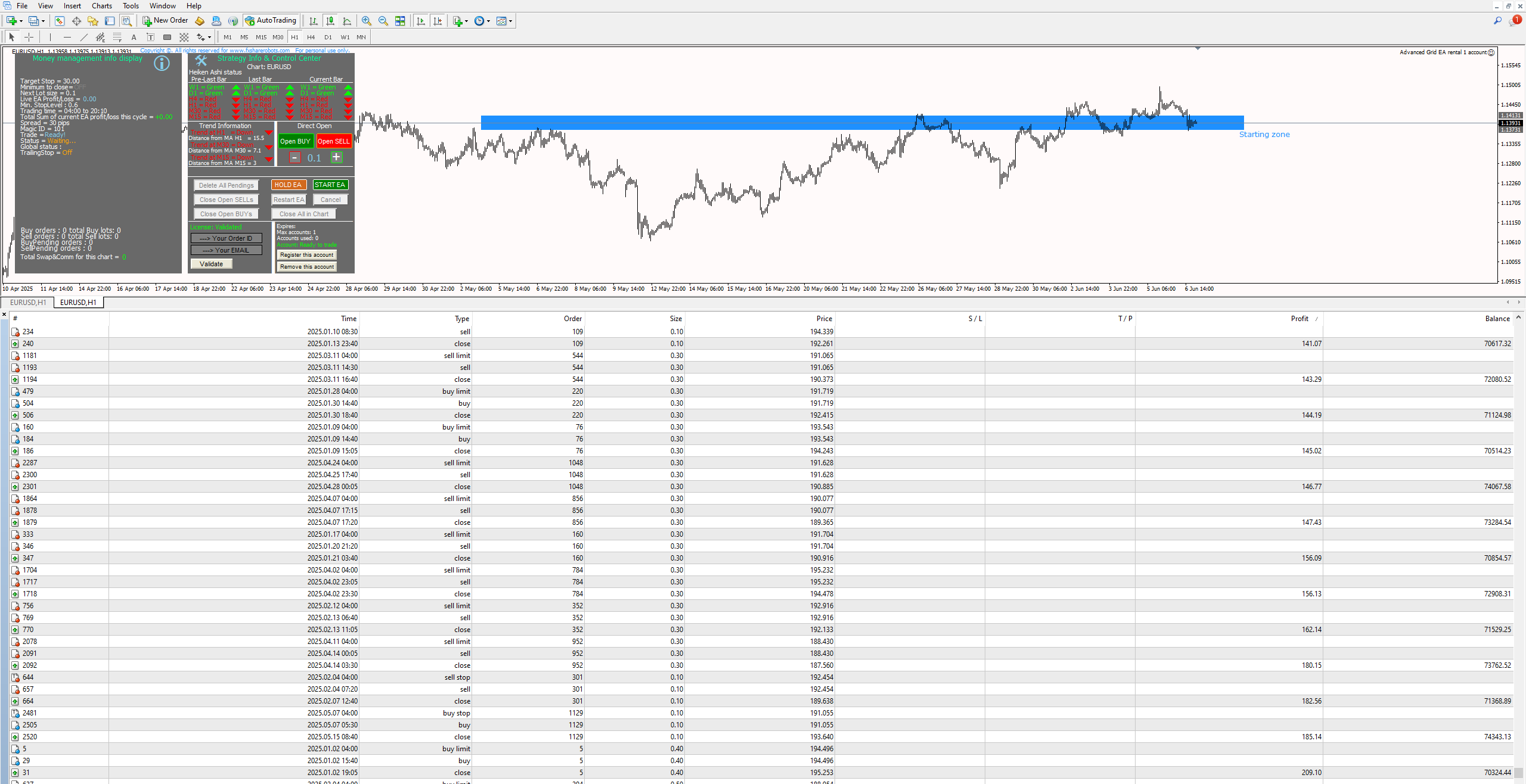
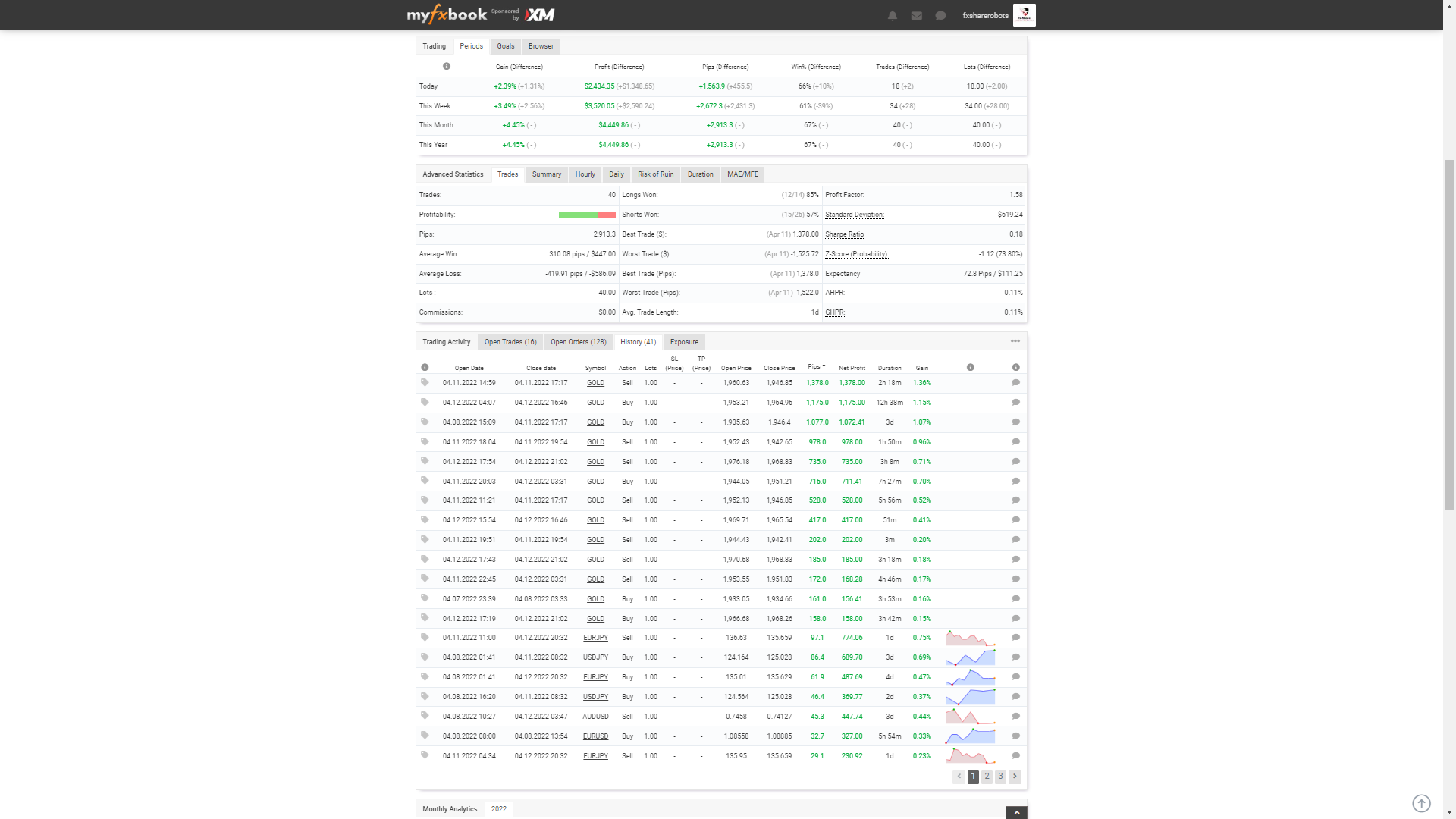
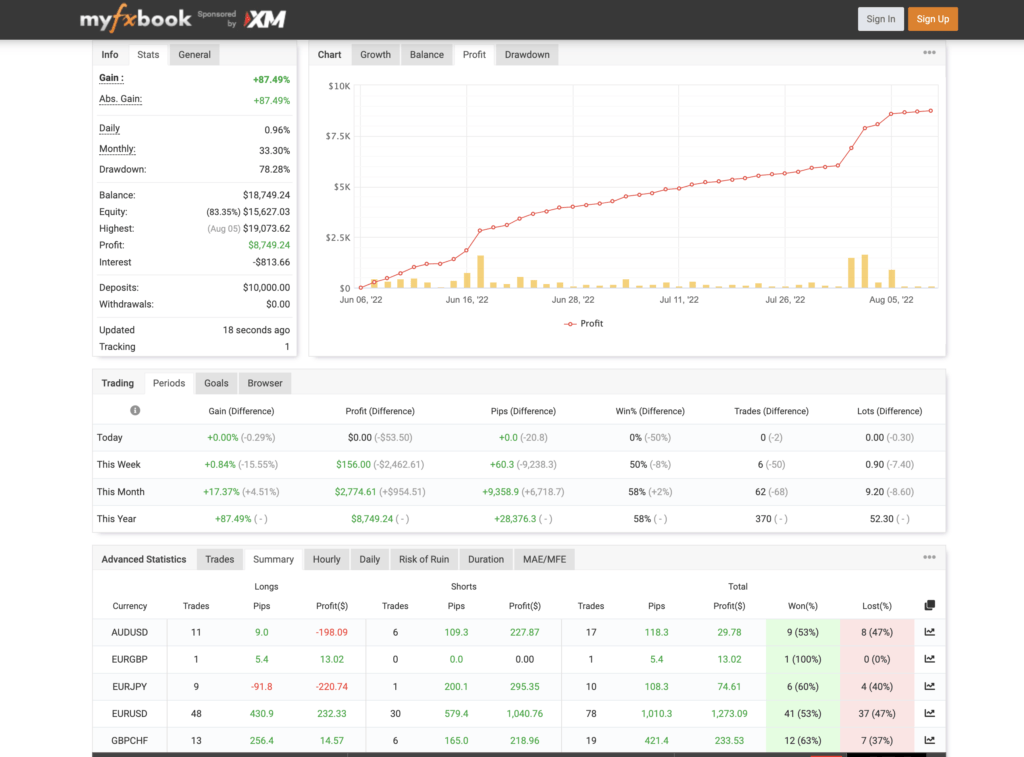
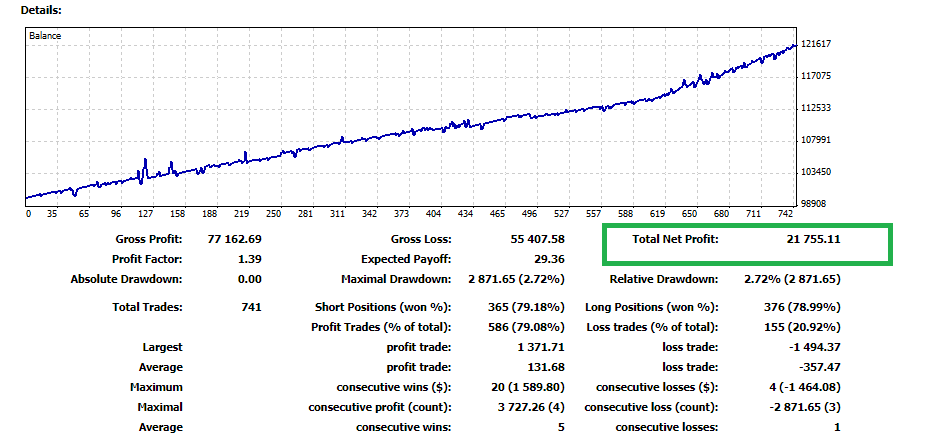
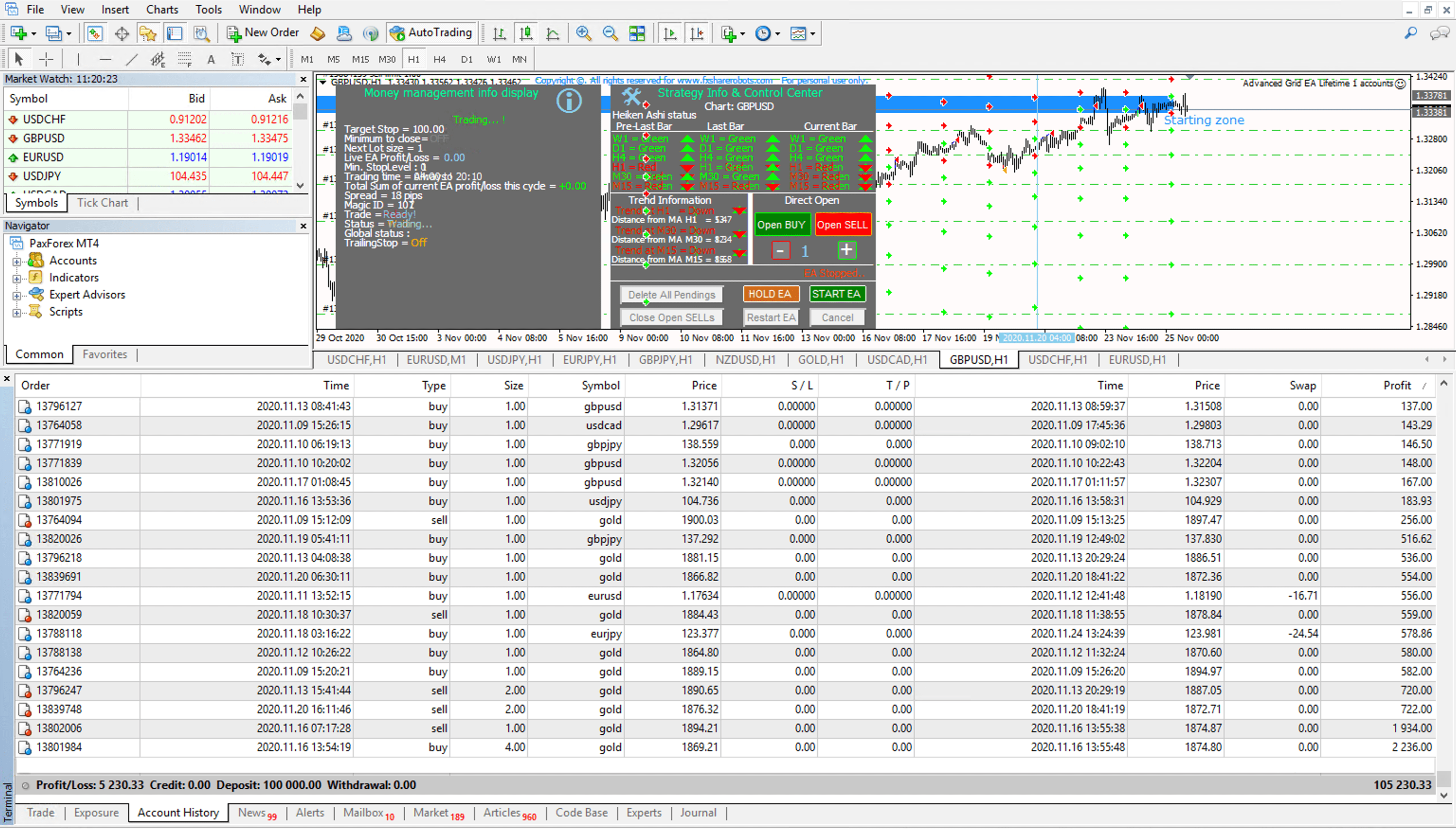
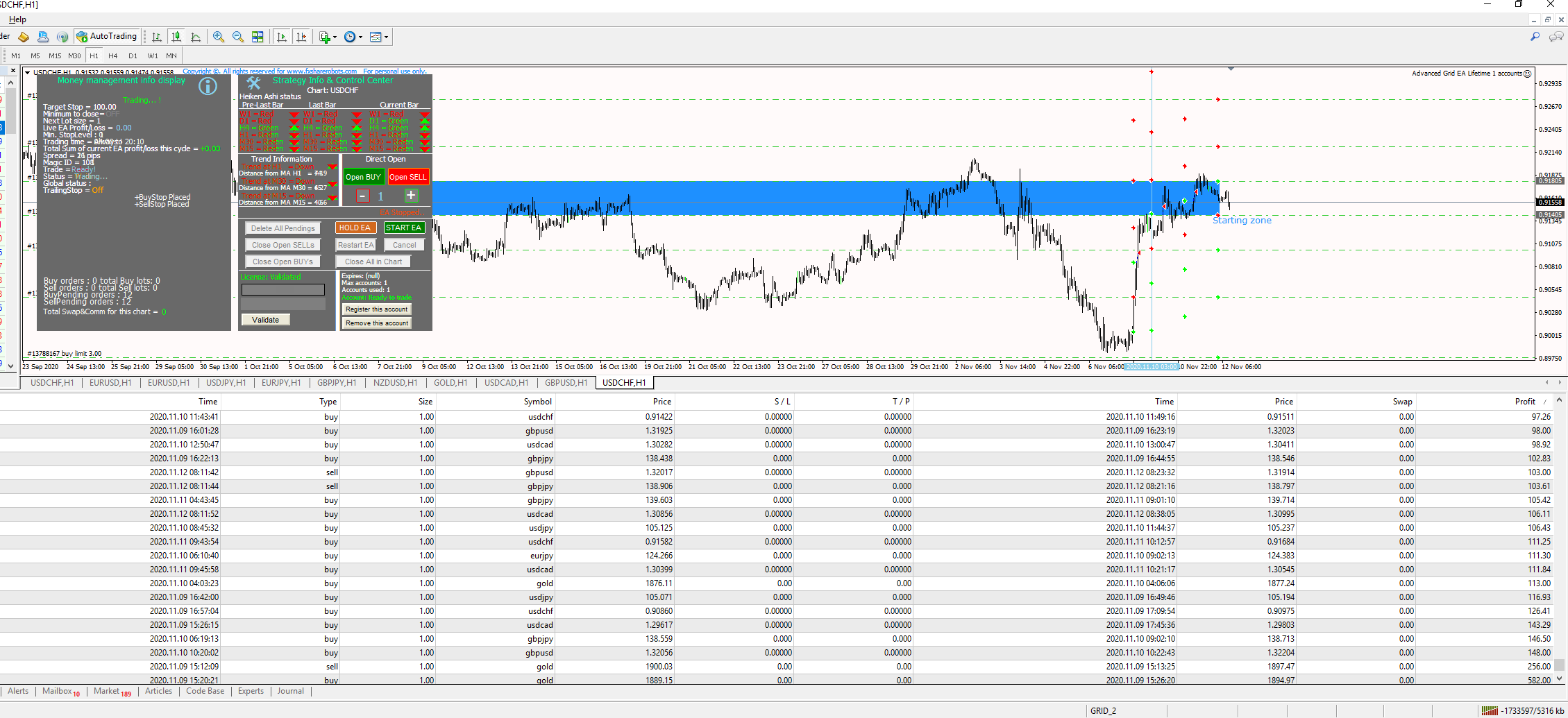
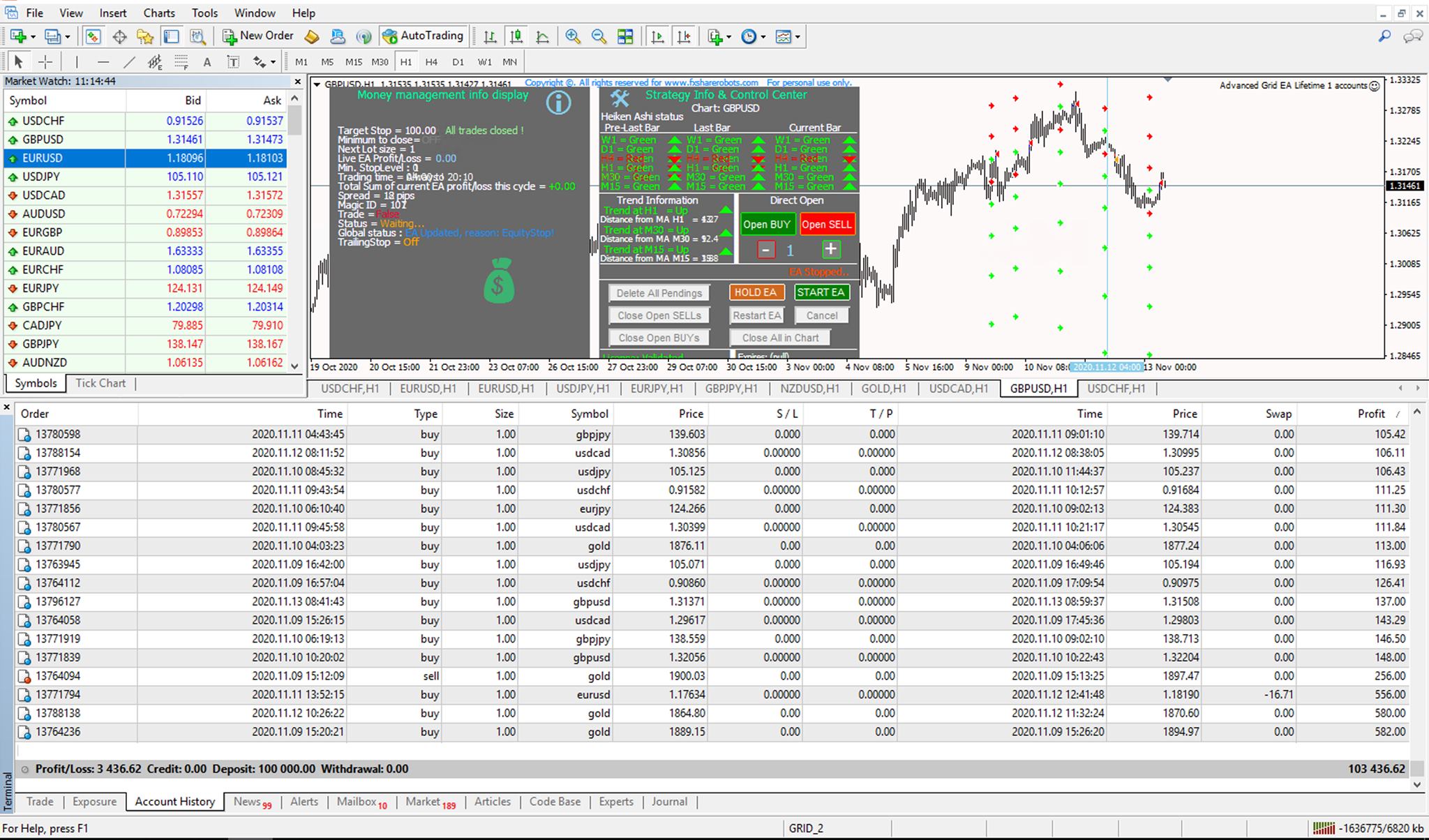
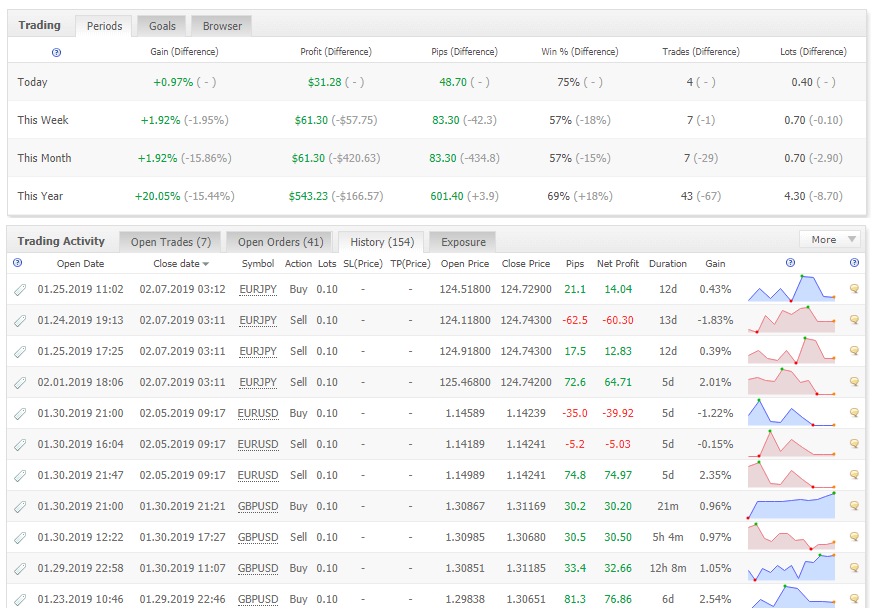
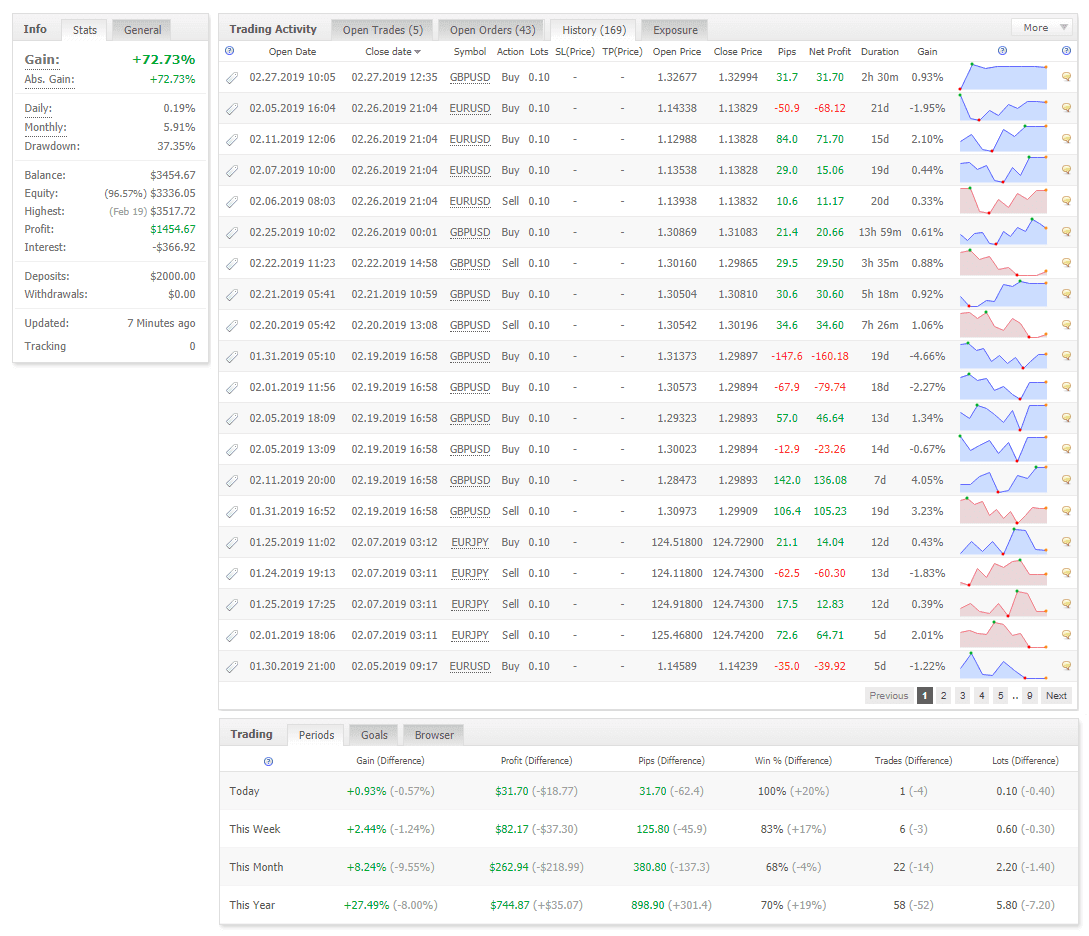
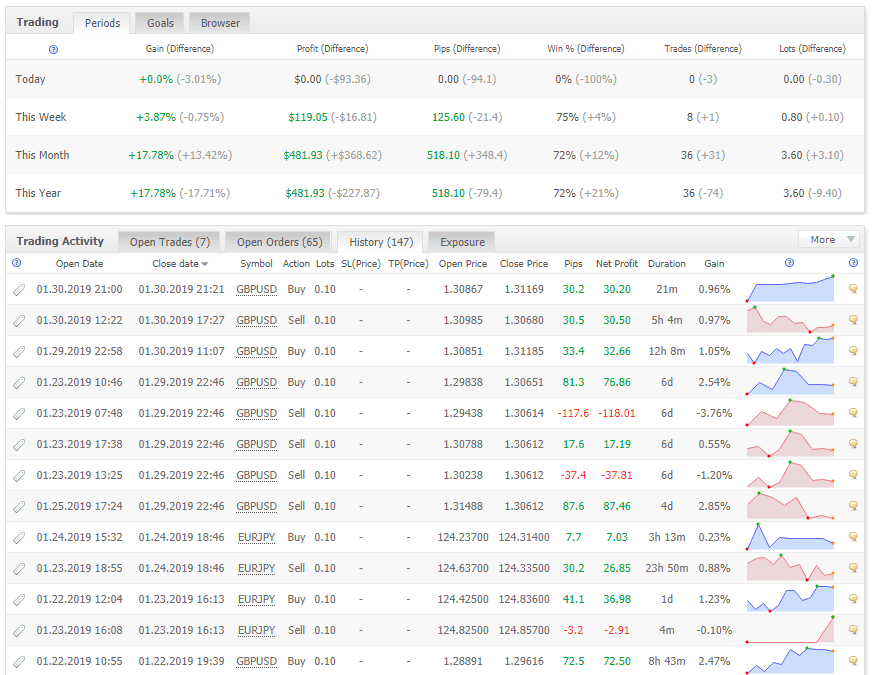
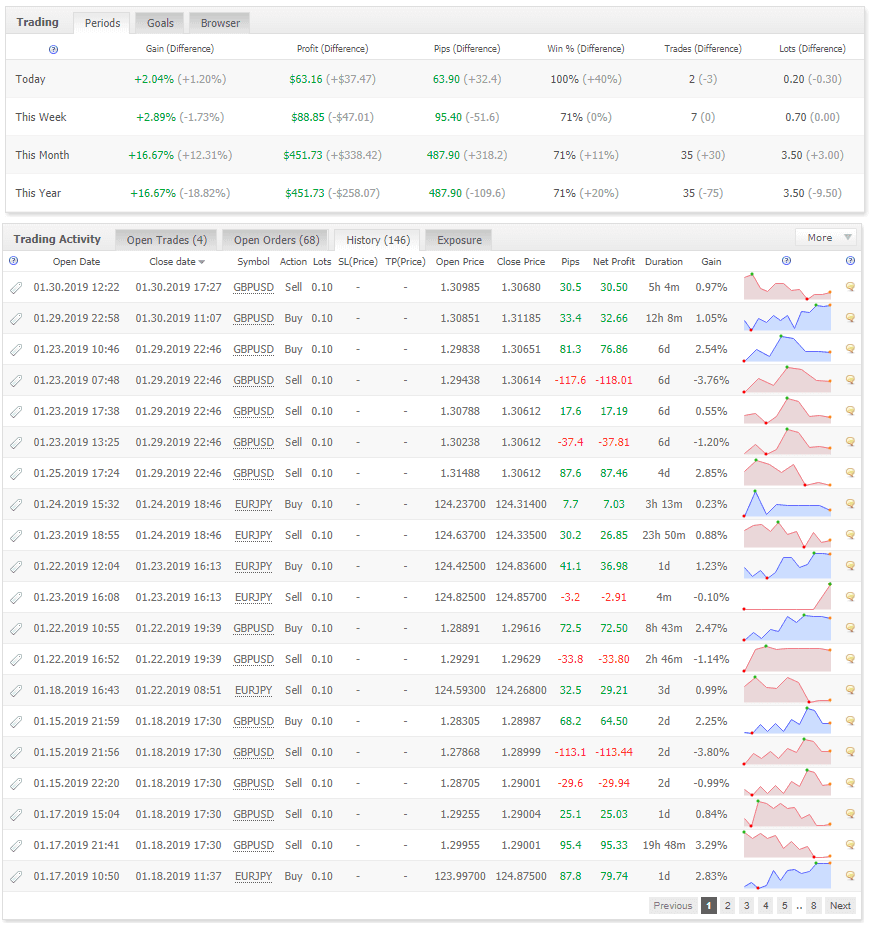
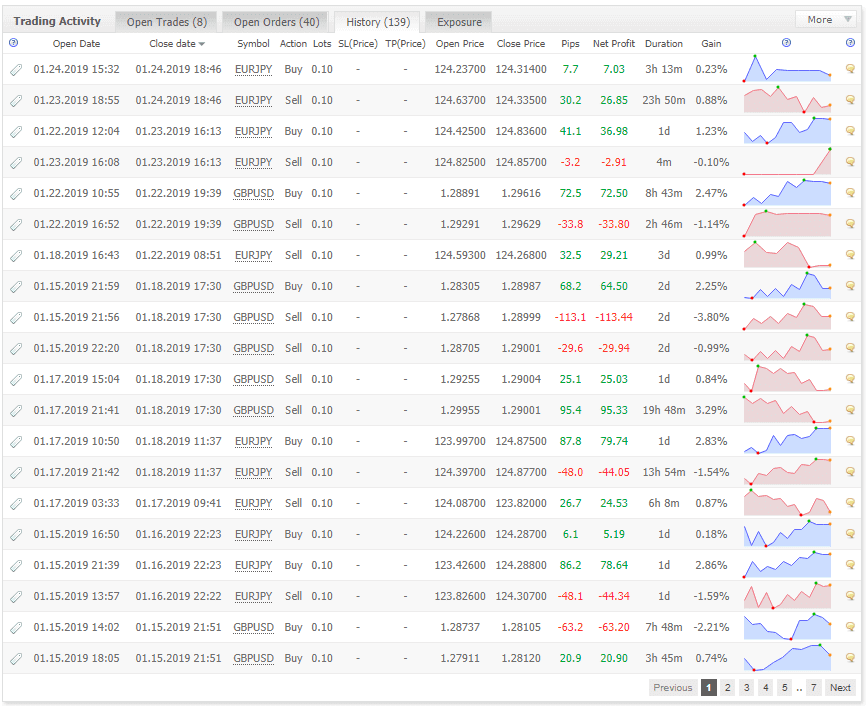
Historical runs and account reports, collected in one gallery. Expand the gallery and select any thumbnail to inspect the full-size image.
Grid EA questions, answered.
It can use a fixed lot size when LotAdd is 0. It also offers an optional additive increment through LotAdd. For example, a 0.01 increment can produce successive lots of 0.01, 0.02 and 0.03. This is not automatic doubling, but it still increases exposure. Review the settings rather than relying on a strategy label.
The tiers specify the number of registered trading accounts: 1, 3 or 9. The EA supports multi-pair trading. Included preset counts are separate from account allowances: none with Basic, 3 pairs with Advanced and 8 pairs with Professional.
Grid EA PRO is built for MetaTrader 4. Its grid is based on price levels, so the product specification allows any chart timeframe. The published release history includes Windows 11 compatibility updates.
Yes. The chart panel includes Start, Hold and trade-management controls. Hold stops the EA from operating until restarted; use the dedicated closing controls when you intend to close positions. The manual advises using Restart when no trades are open.
Need help with your setup?
Ask about platform compatibility, licensing and configuration, or consult the manual for the full parameter guide.